Using WeAccess
WeAccess is a free online tool for testing web accessibility.
Getting started
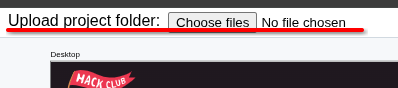
- First, upload your code using the button in the top left.
 If you're using a JS framework, you might need to build your source code and upload the
folder containing that.
If you're using a JS framework, you might need to build your source code and upload the
folder containing that. - The main canvas area will now show your index page. You can scroll this area using a touchpad or mouse wheel. This area is used for previewing what your page looks looks like at different resolutions and screen sizes.
- In the panel on the right are various tools for exploring accessibility further. The main one is the automated testing tool.